LMS vs Training Management System: What's the Difference?
A balanced, in-depth comparison between Learning Management Systems (LMS) and Training Management Systems (TMS)—understanding their architectural differences, operational strengths, and when organizations need one or both.
- 1. Introduction: The Training Technology Landscape
- 2. What Is an LMS (Learning Management System)?
- 3. What Is a TMS (Training Management System)?
- 4. Core Architectural & Functional Differences
- 5. In-Depth LMS vs. TMS Comparison Matrix
- 6. When an LMS Is the Better Fit
- 7. When a TMS Is the Better Fit
- 8. When Organizations Need Both Platforms
- 9. Questions to Ask Before Choosing
- 10. Summary & Platform Recommendations
- • Key Takeaways
Need a custom training operations solution?
Get Custom Pricing- 1. Introduction: The Training Technology Landscape
- 2. What Is an LMS (Learning Management System)?
- 3. What Is a TMS (Training Management System)?
- 4. Core Architectural & Functional Differences
- 5. In-Depth LMS vs. TMS Comparison Matrix
- 6. When an LMS Is the Better Fit
- 7. When a TMS Is the Better Fit
- 8. When Organizations Need Both Platforms
- 9. Questions to Ask Before Choosing
- 10. Summary & Platform Recommendations
1. Introduction: The Training Technology Landscape
Education leaders and corporate L&D directors frequently evaluate whether they need a Learning Management System (LMS) or a Training Management System (TMS). While both systems manage training, they are engineered for fundamentally different purposes. Choosing the wrong system leads to operational bottlenecks, manual spreadsheet workarounds, and administrative frustration.
2. What Is an LMS (Learning Management System)?
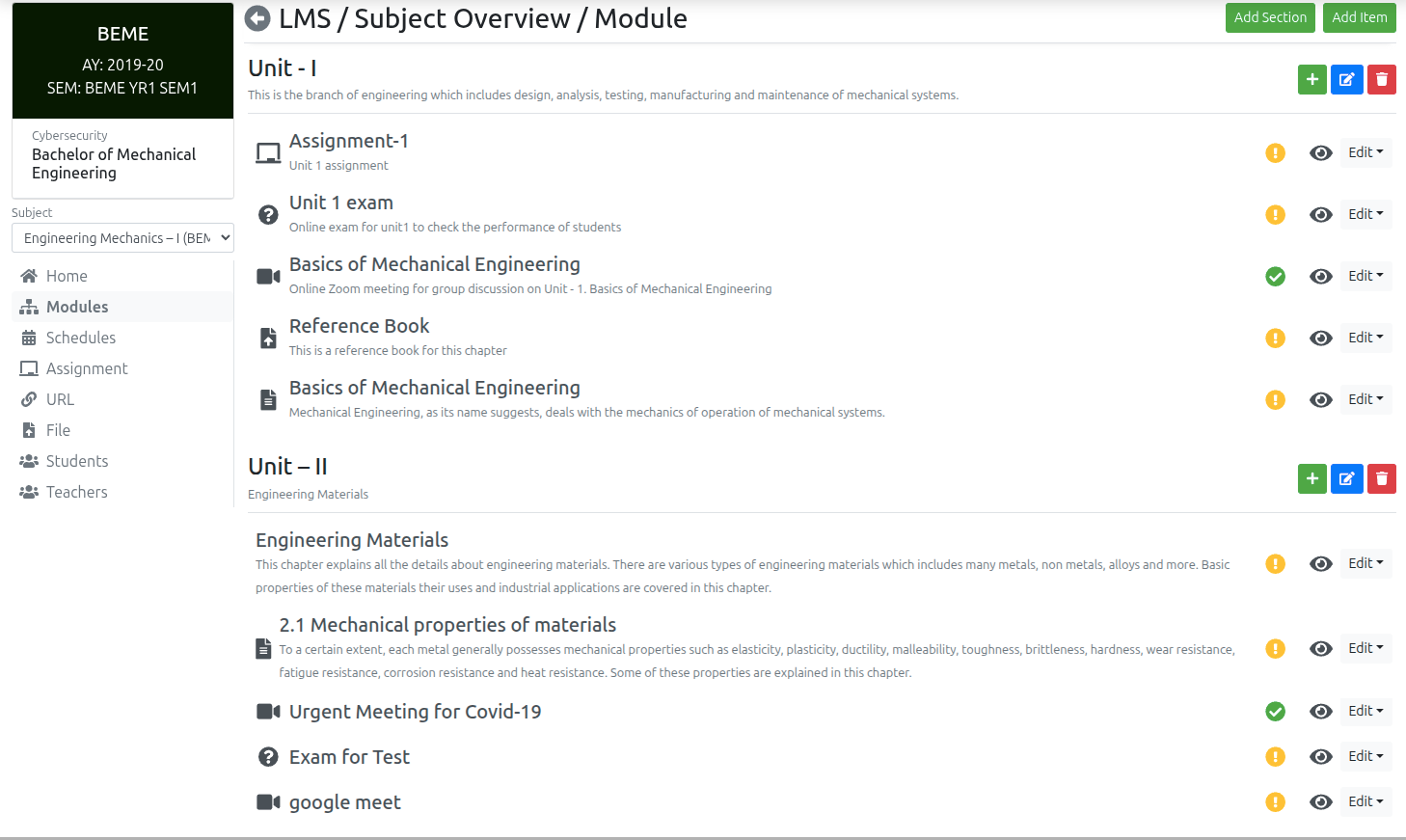
An LMS is primarily focused on the learner-to-content relationship. Its core purpose is hosting, delivering, and tracking digital e-learning courses. Key LMS functions include:
- Hosting SCORM, xAPI, and video-based e-learning modules.
- Self-paced student progression tracking and video completion timestamps.
- Automated multiple-choice quizzes and digital badges.
- Self-service digital course catalogs.
An LMS excels when learning is 100% asynchronous, self-paced, and digital, requiring zero live classroom scheduling or instructor coordination.
3. What Is a TMS (Training Management System)?
A TMS is an enterprise operations ERP focused on the business and logistical delivery of training. Its core purpose is coordinating the complex operations required for instructor-led, blended, and classroom training. Key TMS functions include:
- Multi-session batch timetable planning and room capacity allocations.
- Instructor workload scheduling and conflict detection.
- Physical and live session attendance registers with automated % threshold gating.
- Admissions CRM pipelines, counselor task allocation, and lead conversions.
- Category fee installment billing, counter vouchers, and double-entry general ledgers.
- Serialized tamper-proof QR certification pipelines and regulatory audit reporting.
4. Core Architectural & Functional Differences
The fundamental distinction lies in whether your primary operational challenge is content consumption (LMS) or operational orchestration & business administration (TMS):
The LMS Paradigm (Content-Centric)
Learner logs in → watches video lectures → takes automated quiz → downloads basic certificate.
The TMS Paradigm (Operations-Centric)
Inquiry captured → counselor follow-up → batch scheduling → fee installments → session attendance registers → multi-component exams → QR attestation → financial ledgers.
5. In-Depth LMS vs. TMS Comparison Matrix
Here is a detailed functional comparison across 7 core operational domains:
| Operational Domain | Learning Management System (LMS) | Training Management System (TMS) |
|---|---|---|
| Learning Delivery | Primary strength: SCORM, video streaming & self-paced modules | Coordinates blended delivery, physical classrooms & hybrid batch timetables |
| Batch Scheduling | Basic course start/end dates; minimal timetable logistics | Visual multi-session scheduler, room capacity limits & trainer conflict alerts |
| Attendance Tracking | Tracks digital login time & video progression percentages | Digital registers for physical/live sessions with automated % threshold gating |
| Assessments & Grading | Automated online MCQ quizzes & module pass/fail scores | Theory, practical rubrics, viva evaluations & formal grading transcripts |
| Certification | Basic automated PDF completion certificate downloads | Multi-tier sign-off pipelines (Trainer → Registrar) & serialized QR verification |
| CRM & Invoicing | Rarely included; requires external CRM & billing plugins | Native counselor lead pipelines, installment schedules & double-entry ledgers |
| Multi-Campus Governance | Basic user groups or separate multi-tenant portals | Multi-entity campus isolation with centralized super-admin financial rollups |
6. When an LMS Is the Better Fit
An LMS is the optimal choice when your organization:
- Delivers purely asynchronous, self-paced digital video courses with no live instructors.
- Focuses primarily on micro-learning, onboarding compliance quizzes, or video libraries.
- Has no physical classrooms, batch timetables, or recurring room allocation logistics.
- Does not require student fee installment billing, counter vouchers, or accounting ledgers.
7. When a TMS Is the Better Fit
A TMS is essential when your organization:
- Operates instructor-led training (ILT), classroom batches, or blended hybrid courses.
- Manages faculty scheduling, classroom seating capacities, and timetable conflict rules.
- Requires strict attendance percentage gating before permitting exam attempts.
- Collects student fees through milestone installment plans and requires double-entry accounting.
- Operates multiple branch locations, campuses, or franchise centers needing consolidated management reporting.
8. When Organizations Need Both Platforms
Many large universities, corporate academies, and professional training providers leverage a hybrid ecosystem. The TMS operates as the central business ERP (managing student intake, batch schedules, attendance compliance, fees, and certificates), while the LMS acts as the content player where students access asynchronous supplementary reading materials.
9. Questions to Ask Before Choosing
Ask these questions to clarify your platform requirements:
- Is our primary bottleneck content delivery or operational administration?
- Do we manage live instructors, classrooms, and multi-session batch timetables?
- Do we need to enforce physical attendance percentage thresholds for certification?
- Do we collect student tuition in installments and need integrated accounting?
- Are we managing multi-campus branch networks or franchise royalty splits?
10. Summary & Platform Recommendations
While an LMS is great for hosting digital courseware, training organizations that deliver live or blended instruction require a Training Management System (TMS) to operate profitably and efficiently. VheTM provides the complete Training Operations ERP that connects training logistics, student management, and financial accounting into one unified platform.
Key Takeaways
- LMS focuses on asynchronous digital content delivery and self-paced quizzes.
- TMS serves as the operational business ERP managing timetables, instructors, attendance, and fees.
- Training institutes with live or blended instruction cannot operate efficiently on an LMS alone.
- A TMS provides integrated admissions CRM, attendance threshold gating, and double-entry accounting.
- Hybrid institutions use a TMS as their operational core while integrating an LMS for supplementary digital content.
VheTM Platform Architecture
Discover how VheTM provides the complete operational Training Operations ERP for instructor-led and blended training organizations.
Explore Platform ArchitectureReady to Improve Your Training Operations?
Explore how VheTM helps training institutes, colleges, universities, and corporate L&D teams manage courses, learners, attendance, assessments, certifications, reporting, and communication in one unified platform.